What Is Web Design Prototyping and Why Does It Matter for Your Business
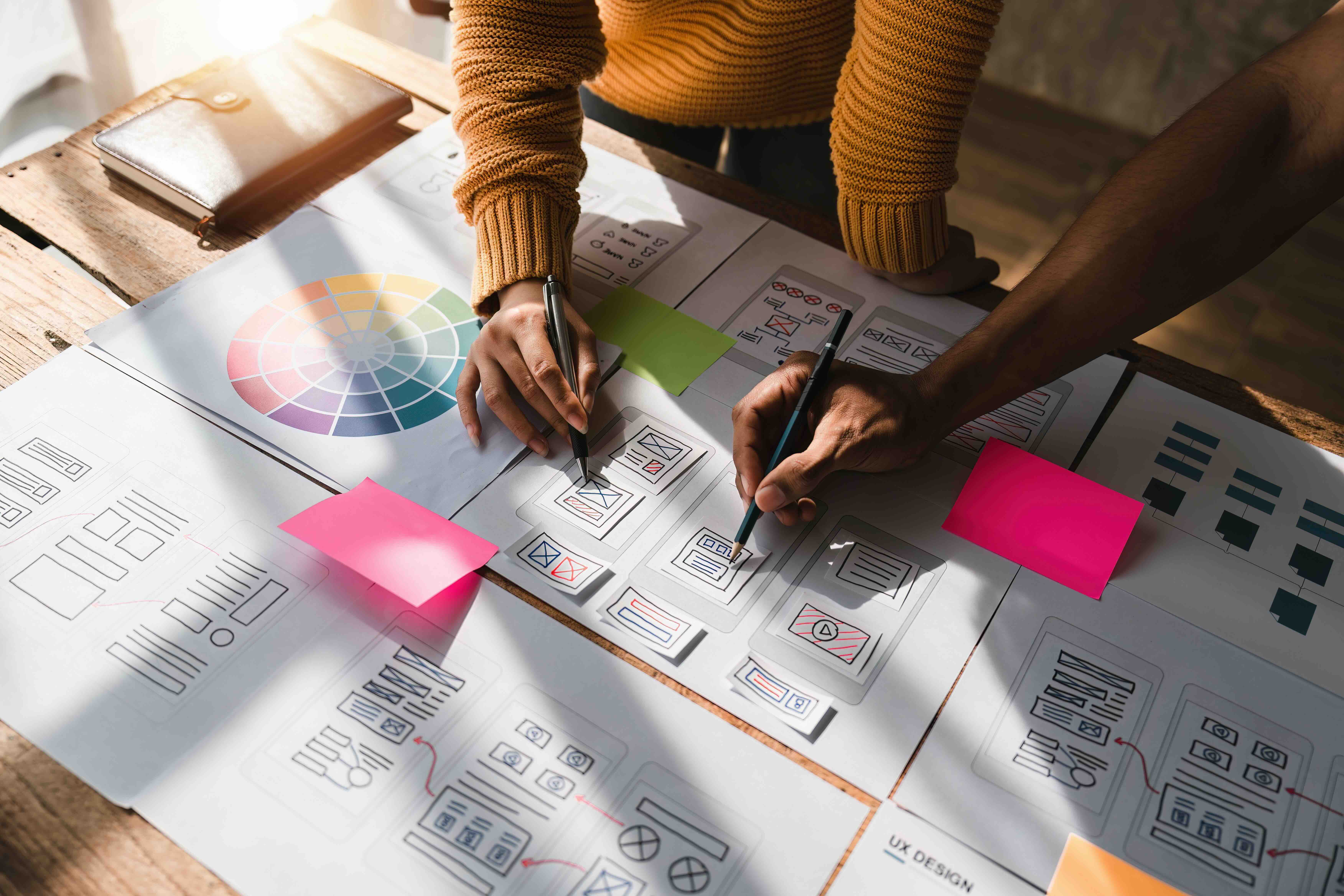
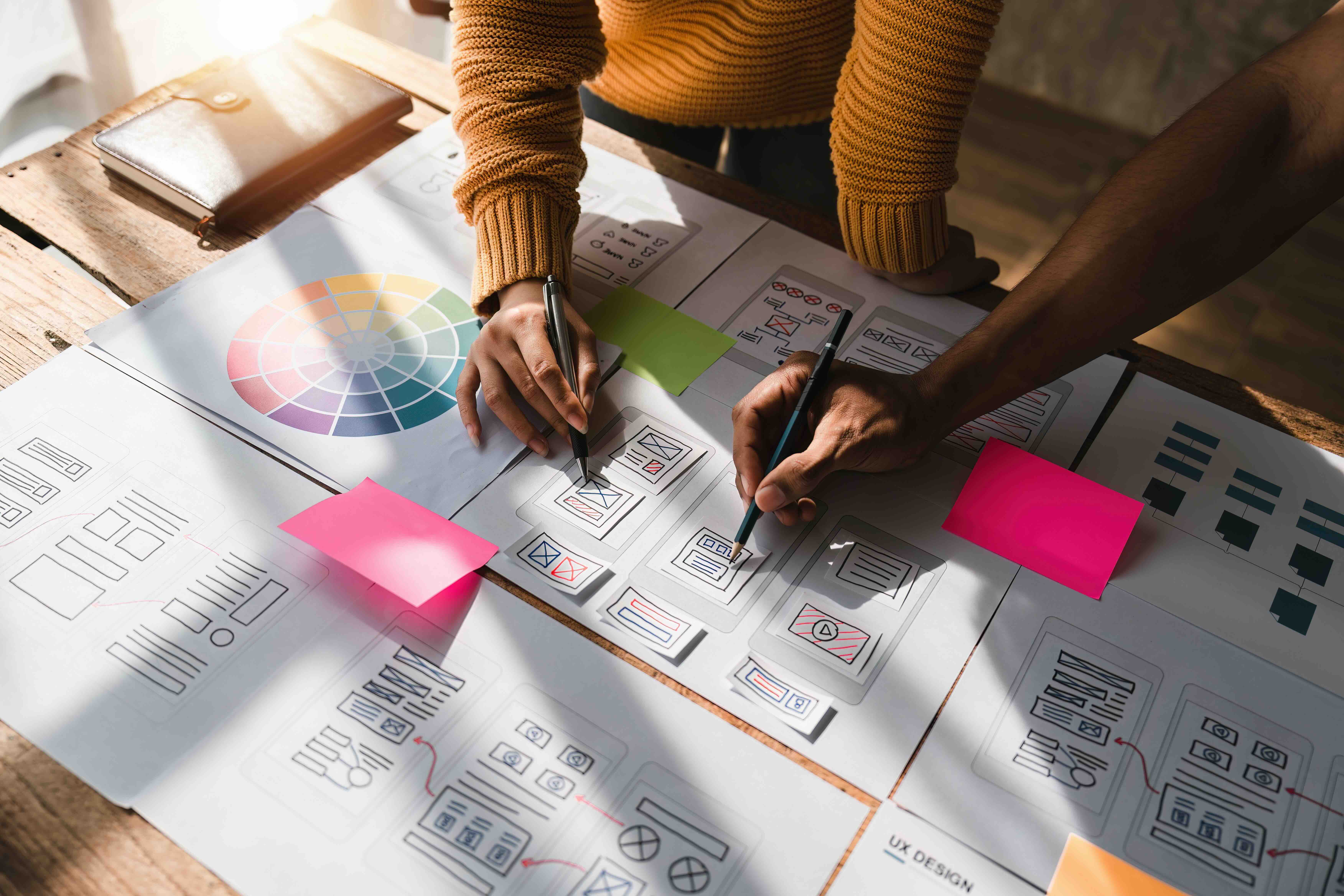
If you have ever launched a website only to realize halfway through development that the navigation does not make sense or the user flow leads to a dead end, you already understand the problem that web design prototyping is built to solve. A prototype is essentially a working simulation of your website, created before a single line of production code is written. It maps out the structure, layout, and interactions of a site in a way that allows stakeholders, designers, and developers to test assumptions, gather feedback, and align on direction before the expensive build phase begins. In the marketing and creative agency world, prototyping is not optional. It is the difference between a website that performs and one that simply exists.
The Core Mechanics of Web Design Prototyping
Prototyping exists on a spectrum. On one end, you have low-fidelity wireframes, which are bare-bones sketches that prioritize structure over style. These are fast to produce and incredibly useful for early-stage conversations about layout and information architecture. On the other end, you have high-fidelity interactive prototypes that closely mimic the final product, complete with animations, hover states, micro-interactions, and realistic content. Tools like Figma, Adobe XD, Axure RP, and InVision are the industry standard for creating these assets. Each tool has its strengths. Figma, for instance, has become the dominant platform for collaborative high-fidelity prototyping because it allows real-time multi-user editing and easily shareable prototype links for stakeholder review. The choice of tool often depends on the complexity of the project and the technical fluency of the team involved.
Low-Fidelity vs. High-Fidelity Prototypes: Choosing the Right Approach
Not every project needs a fully interactive, pixel-perfect prototype from day one, and understanding the distinction here saves both time and budget. Low-fidelity prototypes are ideal for the discovery phase. They let you stress-test your sitemap and content hierarchy without getting distracted by visual design decisions. High-fidelity prototypes, on the other hand, are built for usability testing, stakeholder sign-off, and developer handoff. They answer questions like: Does the checkout flow feel intuitive? Is the call-to-action visible enough on mobile? Does the animation between screens feel native or jarring? The smartest approach for most B2B website projects in 2026 is a phased methodology: start low, validate, then move to high-fidelity. This prevents design teams from over-investing in visuals that need to be reworked after the first user testing session.
Key Advantages of Prototyping in the Web Design Process
The business case for prototyping is straightforward when you look at what it actually prevents. Catching a UX flaw at the prototype stage costs a fraction of what it costs to fix after a site is built and deployed. Beyond the financial argument, prototyping opens up stakeholder communication in a way that static mockups simply cannot. When a client can click through a prototype, they intuitively understand the experience rather than just imagining it from a flat image. This closes the expectation gap significantly. The main advantages worth noting include the following:
- Faster stakeholder alignment through tangible, interactive deliverables
- Reduced development rework caused by misunderstood design requirements
- Early identification of usability issues before they become structural problems
- Improved developer handoff with clearly defined interaction states and component behavior
- Higher confidence going into production, which translates to fewer mid-build pivots
- Stronger project scoping because teams can reference an agreed-upon prototype when discussing timelines and costs
Common Drawbacks and Limitations to Know Before You Start
Prototyping is not without its complications. One of the most common pitfalls in agency and in-house design environments alike is treating the prototype as the final product. Stakeholders sometimes fall in love with the prototype experience and become resistant to any variation during development, even when those variations are technically necessary. Another limitation is time investment. High-fidelity prototyping done right takes real effort, and if the project scope is not well-defined before the prototype begins, teams can find themselves iterating endlessly without reaching a point of sign-off. There is also a knowledge-dependency issue. Not everyone on a client team knows how to interpret a prototype in context, which means facilitated walkthroughs or recorded video annotations are often necessary. The limitation is not in the tool or the process itself but in how it is managed and communicated throughout a project.
Prototyping and Its Role in Conversion Rate Optimization
This is where prototyping starts paying for itself in a very measurable way. When a prototype is built with conversion goals baked in from the start, designers can pressure-test the funnel before development. Where does the user's eye go first on the homepage? How many clicks does it take to reach the contact form? Is the value proposition visible above the fold without scrolling? These are conversion rate optimization questions that are infinitely easier and cheaper to answer at the prototype stage. Agencies that integrate CRO thinking into their prototyping process produce websites that do not just look good but actively drive business outcomes. For B2B companies especially, where the sales cycle is longer and every touchpoint matters, a thoughtfully prototyped site can meaningfully impact lead quality and volume.
Prototyping Best Practices for B2B Web Design Projects
Getting the most out of prototyping comes down to process discipline. Here are the practices that separate effective prototyping engagements from ones that drag on and over-budget:
- Define the prototype scope before opening any design tool
- Align on fidelity level with both the design team and the client before work begins
- Build prototypes around user journeys, not just individual pages
- Use realistic placeholder content rather than generic lorem ipsum text to give stakeholders an accurate feel
- Conduct at least one round of usability testing with real users before finalizing the prototype
- Document all interaction states, edge cases, and responsive behaviors within the design file
- Establish a formal sign-off process to avoid perpetual revision cycles
How the Right Agency Makes Prototyping Work for You
The difference between a prototype that accelerates your project and one that bogs it down usually comes down to the agency running the process. Experienced agencies treat prototyping as a strategic deliverable, not just a visual exercise. They bring business context into every design decision, asking not just what looks good but what drives the user to act. They also know how to manage the stakeholder review process efficiently, structuring feedback sessions so that input is actionable and rounds of revision are purposeful. If your current web development process skips prototyping or treats it as an afterthought, you are essentially underwriting the cost of avoidable mistakes, and in a competitive digital landscape in 2026, that is a margin you cannot afford to lose.
Why Kreativa Group Should Be Your Web Design and Prototyping Partner
Kreativa Group is a marketing and creative agency with offices in Los Angeles and Miami, and their track record speaks with real numbers. The team has designed websites and digital experiences for globally recognized brands including Sandals Resorts, Porsche, Audi, BMW, and major ad networks like Young and Rubicam. They have also operated at the startup level, with successful exits at companies like Misfit Wearables and HomeLister, which means they understand how to build for growth and scale, not just aesthetics. To date, Kreativa Group has launched over two dozen websites across Webflow, Shopify, and WordPress platforms and has driven more than $200 million in incremental revenue for clients. They are among the top 1% of US-based agencies certified as Google Ads, Amazon Ads, Shopify, and Webflow partners. Their entire approach is rooted in business outcomes, not vanity metrics, which makes their prototyping process inherently tied to what actually matters: conversion, retention, and revenue. If you are evaluating your next website project or trying to understand what a smarter build process could look like for your business, visiting the Kreativa Group website is a solid starting point. And if you want a more direct read on where your digital presence stands today, their free growth audit for digital marketing and web performance is worth exploring before your next project kicks off.
Frequently Asked Questions About Web Design Prototyping
What is a web design prototype?
A web design prototype is an interactive simulation of a website built before development begins. It replicates the layout, navigation, and user interactions of the intended site, allowing teams and stakeholders to test and validate the design before any code is written.
What is the difference between a wireframe and a prototype?
A wireframe is a static, low-detail representation of a web page that focuses on structure and layout. A prototype is interactive and simulates how users will navigate and engage with the site. Wireframes are typically created first and then evolved into prototypes.
What tools are used for web design prototyping?
The most widely used tools in 2026 include Figma, Adobe XD, Axure RP, and InVision. Figma has become the industry standard for collaborative, high-fidelity web prototyping due to its real-time editing capabilities and seamless developer handoff features.
How long does it take to build a web design prototype?
Timeline depends on the complexity of the site and the fidelity level required. A low-fidelity wireframe for a simple business website might take a few days. A high-fidelity interactive prototype for a complex B2B platform could take two to four weeks, depending on the number of pages and interaction states involved.
Does prototyping increase the overall cost of a web project?
Prototyping adds to the upfront investment, but it typically reduces overall project costs by identifying and resolving issues before development begins. Fixing a UX or layout problem in a prototype costs significantly less than rebuilding it after the site has been coded and deployed.
Can prototyping improve a website's conversion rate?
Yes. When prototyping is conducted with conversion goals in mind, designers can test user flows, call-to-action placement, and funnel logic before development. This results in websites that are more intentionally built to guide users toward specific actions, which improves conversion performance.
What is high-fidelity prototyping in web design?
High-fidelity prototyping refers to detailed, visually polished interactive mockups that closely resemble the final website. They include real or near-real content, accurate typography, colors, animations, and clickable interactions, making them suitable for usability testing and stakeholder approval.
Who should be involved in the prototype review process?
Key stakeholders such as marketing leads, product owners, and department heads should be part of the prototype review. Including a cross-functional group ensures that both the user experience and business requirements are validated before the project moves into development.
How does prototyping support developer handoff?
A well-built prototype documents all visual states, interaction behaviors, responsive breakpoints, and component specifications in a way that gives developers a clear reference. This reduces ambiguity during development and minimizes back-and-forth between design and engineering teams.
Is prototyping necessary for every web design project?
While very simple landing page updates may not require a full prototype, any website project involving complex navigation, e-commerce functionality, lead generation flows, or multiple user types benefits significantly from prototyping. For most B2B web projects, it is a recommended and cost-effective step in the design process.